See the full teaching day
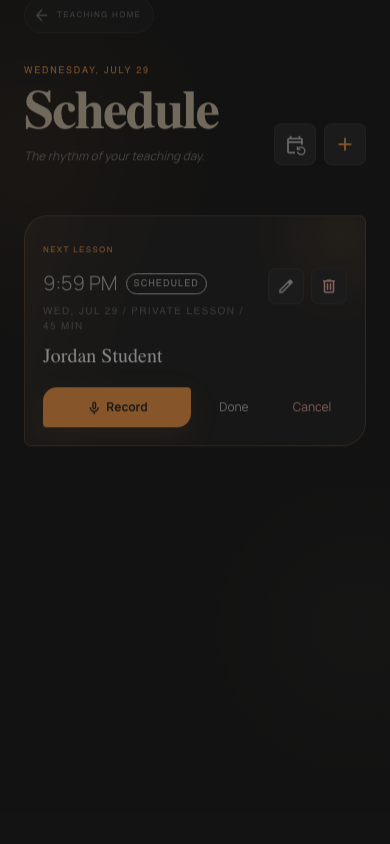
Today’s lessons and students appear in teaching order without turning the home screen into an operations dashboard.
Dance lesson planning software
Review the teaching schedule, active goals, recent corrections, lesson history and suggested focus before the student arrives.
What it solves
DanceScribe shows the next lesson, recent recap, assigned practice, instructor notes and active goals in one preparation view.
Today’s lessons and students appear in teaching order without turning the home screen into an operations dashboard.
The last recap, active goal and instructor notes appear beside the upcoming lesson.
Generated focus suggestions are visibly suggestions—not facts or automatic lesson plans.
Schedule and adjust weekly lessons while keeping them connected to the student history.
How it works
See upcoming students, lesson times and recording readiness.
Review the previous recap, assigned practice and current goals.
Recording and lesson context are one step away when the student arrives.
Remember the whole lesson
Choose a Student, Instructor or Studio plan when you create your account.