Clear practice assignments
See the specific practice assignment sent after the lesson.
Dance practice app for students
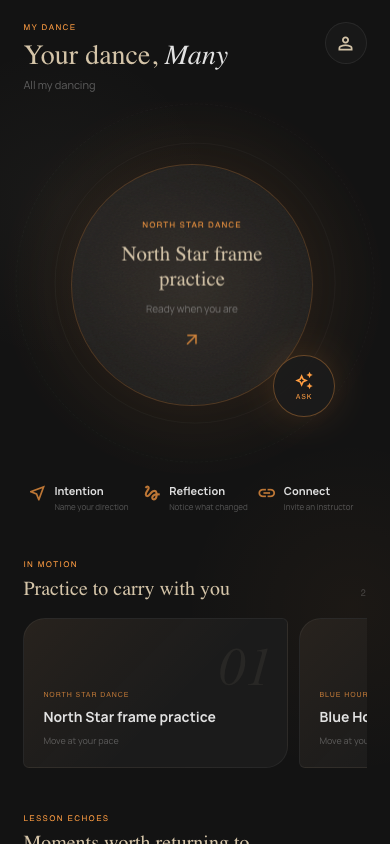
Review instructor corrections, follow a specific practice plan, track goals and ask questions grounded in your actual lessons.
The problem
DanceScribe keeps the recap, instructor feedback, practice assignment, personal notes and questions together between lessons.
See the specific practice assignment sent after the lesson.
Record sensations, questions and results in your private notes.
Review goals, completed lessons and practice assignments over time.
Ask questions with visible sources from your own lesson and practice work.
How it fits your workflow
After
Open the generated recap and practice assignment after processing finishes.
Between
Open the assignment, add a reflection and record the result.
Before
Your questions and progress are available when the next lesson begins.
Frequently asked
Yes. A student can begin with a private Personal space for goals and reflections, then invite an instructor when they are ready.
No. Personal goals and reflections remain private unless the product clearly offers and you choose a specific sharing action.
Each studio relationship stays separate. You can move between them while keeping your own Personal practice space.
No. It helps with recall, reflection and explanation from available lesson sources. When the answer is not supported, it should point you back to your instructor.
Remember the whole lesson
Choose a Student, Instructor or Studio plan when you create your account.