Before the lesson
Pick up where you left off.
Open the student’s last corrections, current goal and practice notes before they walk in.
See lesson preparation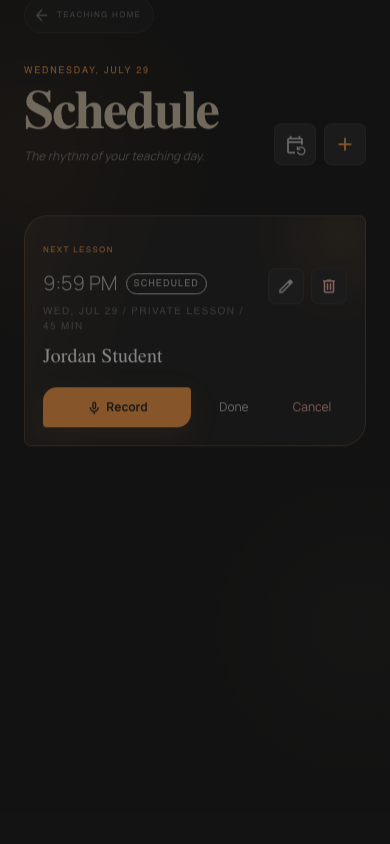
For dance instructors, students and studios
Corrections disappear between classes. DanceScribe gives students the recap, cues and practice focus they need to return to the lesson while they practice.
After one week in a foreign-language vocabulary study, students who stopped recalling a word after the first correct answer remembered 33–36%. Students who practiced recalling it repeatedly remembered about 80%. Karpicke & Roediger, Science (2008)
The lesson stays useful
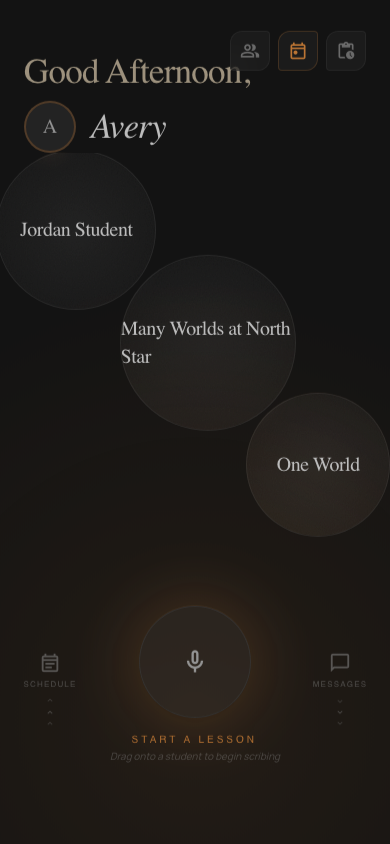
DanceScribe keeps the student’s corrections, questions and practice history available to the instructor and student.
Before the lesson
Open the student’s last corrections, current goal and practice notes before they walk in.
See lesson preparationAfter the lesson
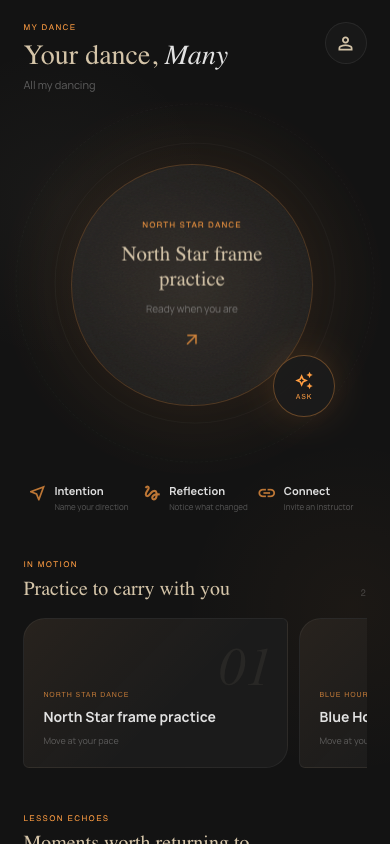
Their recap keeps the instructor’s corrections, cues and assigned practice together after class.
See recaps and practice assignments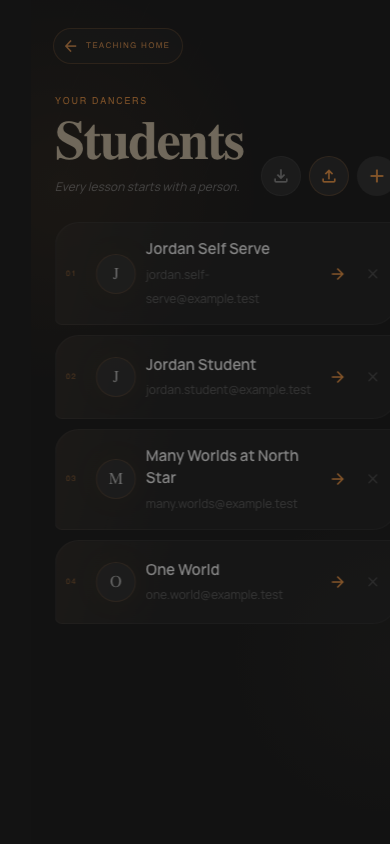
Between lessons
Student Chat answers from their own recaps and practice assignments, then shows the source it used.
See the student experience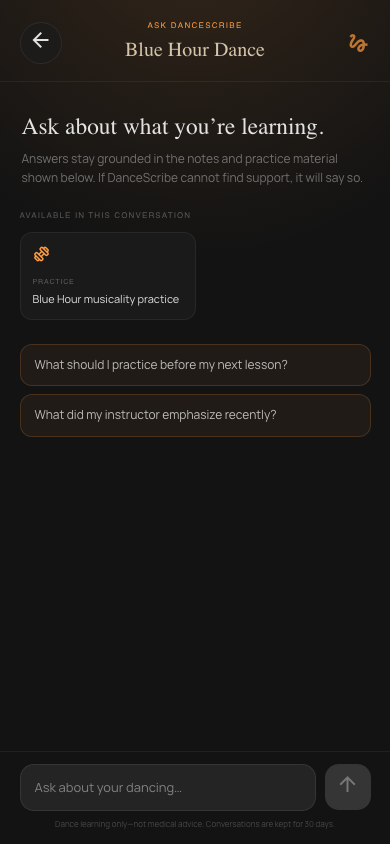
Compare the workflow
Calendars store dates. Transcription tools store words. DanceScribe keeps the corrections, practice and teaching history ready for the next class.
Who DanceScribe is for
Instructors prepare and correct the lesson material. Students review and practice. Studio owners manage who belongs in the workspace.
Independent dance instructors
See the student’s recent corrections, current goal and practice history before class.
See the instructor planDance students
Reopen the recap, follow the assigned practice and ask questions using your lesson as the source.
See the student planDance studios
Give each instructor and student access to the lessons, corrections and practice they share.
See the studio planSee whether a transcript, recap or practice assignment is processing, delivered or needs attention.
Instructor edits keep the original generated version, the correction and the person who changed it.
A student’s recap stays with the instructor or studio connected to that lesson.
Failed uploads and processing jobs show their status so authorized users can retry them.
Monthly plans
The Student plan stores recaps and assigned practice. The Instructor plan adds scheduling, recording and generated lesson material. Studio plans include team roles and published volume rates.
Published prices
Student $9.99 · Instructor $49.99
Studio plans start at $99.99 per month and include two instructors and 25 students. Additional instructor and student seats use the volume rates listed on the pricing page.
Compare prices and featuresFree dance teaching resources
Use practical templates and guides to improve the work around each lesson, whether or not you use DanceScribe.
Free guide
Capture objectives, corrections, successful cues, practice assignments and the next lesson focus.
Read the resourceFree guide
Write the corrections, practice assignment and next lesson focus in a format students can scan.
Read the resourceFree guide
Track exercises, results and questions between private dance lessons.
Read the resourceFrequently asked
No. DanceScribe stores the teaching material around a lesson: the recording, recap, practice assignment and student questions. It works alongside the studio’s billing, enrollment and attendance software.
No. DanceScribe prepares the transcript, recap and practice direction automatically after an authorized lesson. The instructor can correct what was produced without creating a review bottleneck.
Yes. Lessons from each instructor or studio remain separate. The student can switch between them and keep private goals and notes in a Personal space.
Student plans are $9.99 per month and Instructor plans are $49.99 per month. Studio plans start at $99.99 per month for two instructors and 25 students, with automatic volume pricing as the team grows.
Remember the whole lesson
Create an account for a student, instructor or studio.